Make something. Learn the process.
Plan a visual, review your own image or the supplied example, and assemble a campaign design in an editor of your choice.

An idea you can take through the studio.
Work through three practical steps. Use your own image or our example. The checks are your own review, not automated grading or a course qualification.
Optional saving keeps your written idea and exercise progress in this browser. You can clear it here. It does not create an account or save across devices.
Practice stays on this page unless you choose to save it.
Steps reviewed: 0 of 3.
Shape the idea
To practise
Choose one message, an audience and a place where the image will appear. Describe the full subject, composition, light and mood. Keep private information out of prompts.

Name the subject and what it is doing, then add the framing, light and intended use. A tool cannot reliably guess the details you leave out.
Review the image
To practise
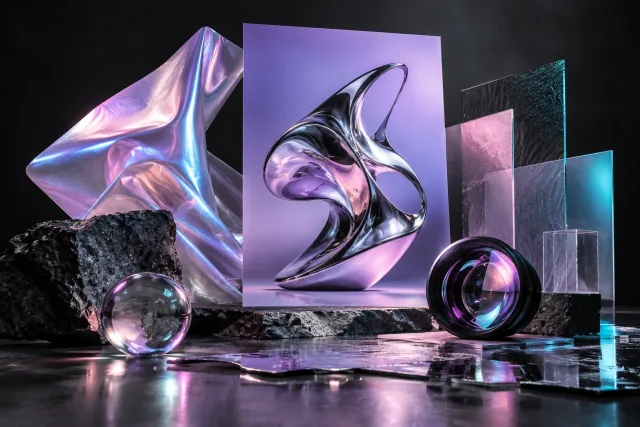
Practise reviewing the supplied example or use an image of your own.
Open the image studio in a new tabDownload the practice imageZoom in before deciding. Check small details, labels and repeated shapes. A polished-looking image can still contain mistakes.
Build and check the campaign
To practise
Use your preferred design editor to combine your image with a short headline. Choose dimensions for where you will publish it. Export the design and open the file to check the result.
Check the exported file as well as the preview. Look for cropped subjects, cramped text and a headline that is hard to read on a phone.